
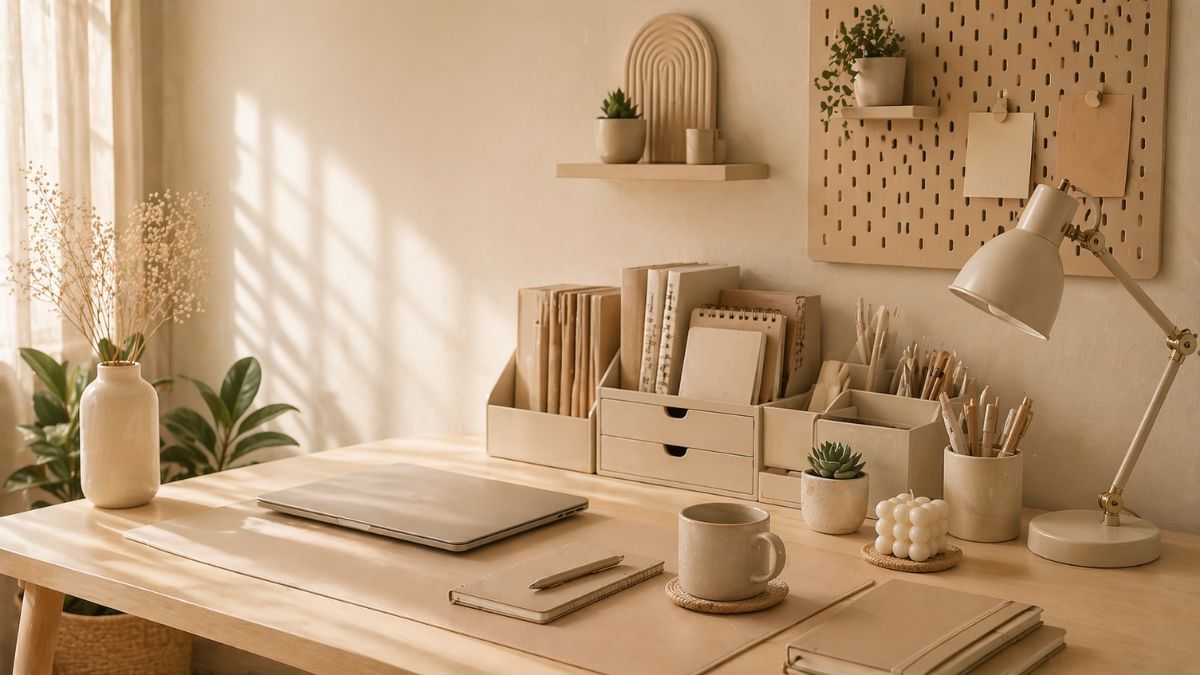
Download this beige aesthetic organizer desktop wallpaper 4k today. Organize folders, clear screen clutter, and boost your daily work productivity.
1. How do I set an organizer wallpaper on my computer? Simply download your preferred wallpaper, right-click the image file, and select “Set as desktop background.” You can then drag and drop your folders into the designated visual boxes.
2. Is a 4K desktop background better for my eyes? Yes! A 4K background provides sharp, crisp details. When paired with neutral, warm tones like beige, it reduces harsh glare and minimizes eye strain during long working hours.
3. How to arrange folders on an aesthetic organizer wallpaper? Once the wallpaper is applied, right-click on your desktop, go to “View,” and uncheck “Auto arrange icons.” Now you can freely drag your icons into the specific categorized sections of the wallpaper.
4. Can I use this beige wallpaper on Mac and Windows? Absolutely. This high-resolution organizer wallpaper works perfectly on both macOS and Windows operating systems. Just make sure your image scaling is set to “Fill” or “Fit.”
5. Why are neutral beige aesthetics so popular for productivity? Neutral colors like beige are psychologically proven to be calming and less distracting than bright, neon colors, helping you maintain better focus on your tasks.


Related Wallpaper